
Well today’s post is not at all what I was hoping to blog about… but I guess I’m just going to roll with the punches, as always, so here we are! Originally I planned to blog Ashley & Kurt’s stunning and fabulous Lake Geneva wedding, but unfortunately, 10 hours into some serious culling and editing – my computer froze up. Out of no where Lightroom started moving at a snail’s pace until it stopped working all together. Then suddenly nothing on my desktop would work. So I held down the power button until it shut off and attempted to restart the computer. That’s when I got some crazy jibberish on the screen telling me to restart and somewhere in the upper left-hand corner – in the middle of the code words I didn’t understand – it said this: “Debugger called: <panic>”
HA! It was as if my computer was telling me what I should do at that moment. PANIC. I tried my best to ignore its command and restarted the computer again.
Then this happened:

For those of you that don’t have Macs, or have been lucky enough to never encounter this symbol… this is not a good sign.
I restarted and restarted and tried everything over and over again, to no avail. My computer was not coming back from whatever black hole it appeared to have fallen in. Thankfully I didn’t freak out like I did years ago when something similar happened, because this time I knew I had all my files safely backed up in 3 different places. The only unfortunate thing about this (other than losing the next day or two of productivity because I need to take my computer in to get fixed) is that I lost all the culling and editing I’d done on Ashley & Kurt’s wedding over the course of my 10 hour day.
Obviously, this is not the end of the world (although incredibly frustrating). We all know there are much worse things happening all over the world . (As James always reminds me… this is a First World Problem.) So I’m trying to turn this around and taking this frustrating opportunity to chat about how I manage my files. This is by no means the only way to do it, or even the right way to do it – it is just how I do it. (So feel free to take this with a grain of salt!)
1. Shoot wedding/session.
2. Immediately and simultaneously dump cards (via Photo Mechanic) onto my computer and my WD 1TB external harddrive.
3. Check my online back-up company, BackBlaze, to ensure that it is set to back up the new files added immediately.
4. Also back up any session I have yet to turn over to clients (i.e. sessions/weddings I’m still in the process of editing) onto another smaller WD external harddrive I have that I carry with me whenever I leave the house (because I’m really crazy).
5. Once the files are backed up in all these places, then I erase and format my CF cards – only after confirming all back-ups are complete.
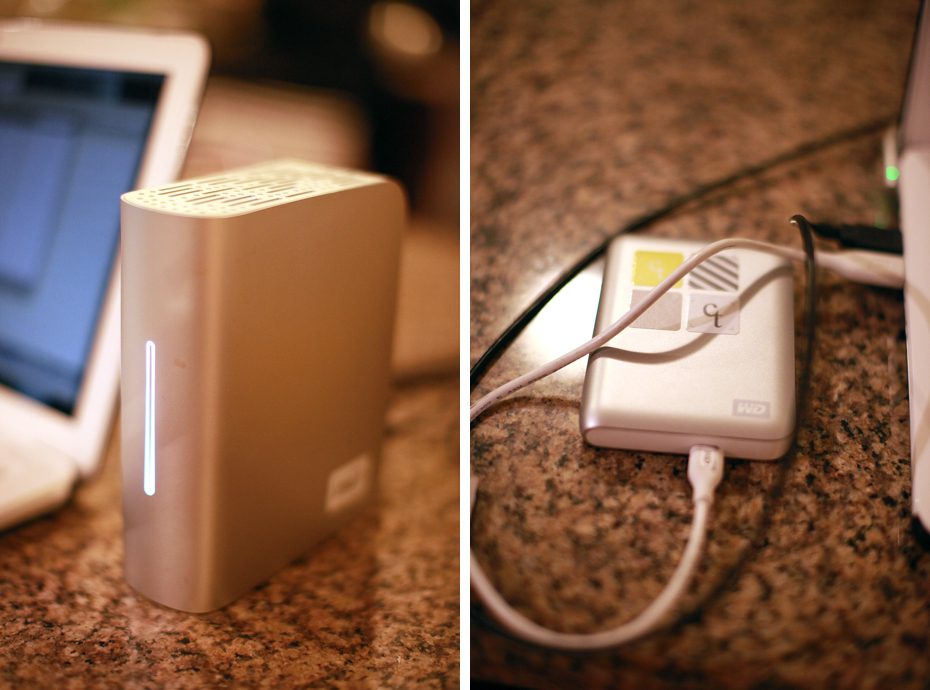
Let me tell you – as much as it sucked getting that crazy screen yesterday and as much as I wanted to punch that evil blinking question mark in the kidney (if it had one) – it was great to know that I’d taken all the precautions necessary to ensure my client’s precious memories are backed up again and again and again in numerous places in my home, and out of it. (In the future I’m going to make sure to remember to back-up all the editing work I’m doing as I’m doing it as well – because, while I still have all the RAW files backed-up, having to cull & edit nearly an entire wedding all over again is a *bit* frustrating, to say the least.)
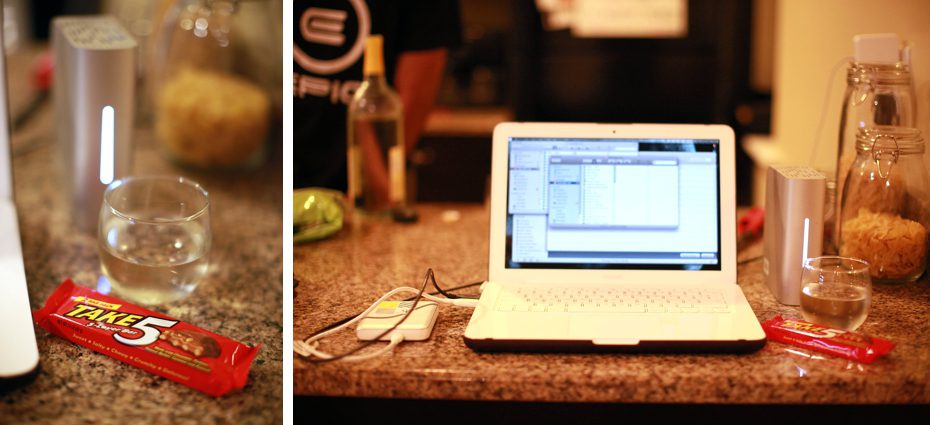
It helped though that James, upon learning of this incident, ran to the store and returned home with a giant bottle of wine and a Take 5 candy bar just for me to help ease the pain. (And while it didn’t give me back all the hours of work I put in yesterday – I dare say it did make me feel a lot better…)
(My make shift work station for the remainder of last night… J’s computer on the kitchen counter with my back-up harddrives.)
Wish me luck and a speedy recovery for my computer at the Apple store today! :-\